COC Overview
On this page
5.1 COC Overview
Always distinguish the layout, focused record, and operation scope. They determine design/data sources, the person previewed, and the records affected by a command respectively.
5.1.1 Startup, Login, and Layout Loading
- Start COC and allow initialization. A configured default or synchronization prepares the project; otherwise open the administrator's delivered file.
- If the layout contains access policies, enter an allowed user's credentials. The user also needs operations-console login permission.
- Check layout name, login, license, record list, and preview.
- Select a known demonstration person and compare name, number, and photo. For empty/error results, diagnose connection and query before recreating records.
An open-access layout may not request a login; that is separate from product licensing. Do not borrow an administrator's identity after a failed or cancelled login. Loading artwork does not prove access to its database or photos. Preserve the redacted message and failing stage when a title displays but data fails.
5.1.2 Main Window, Ribbon, and Status
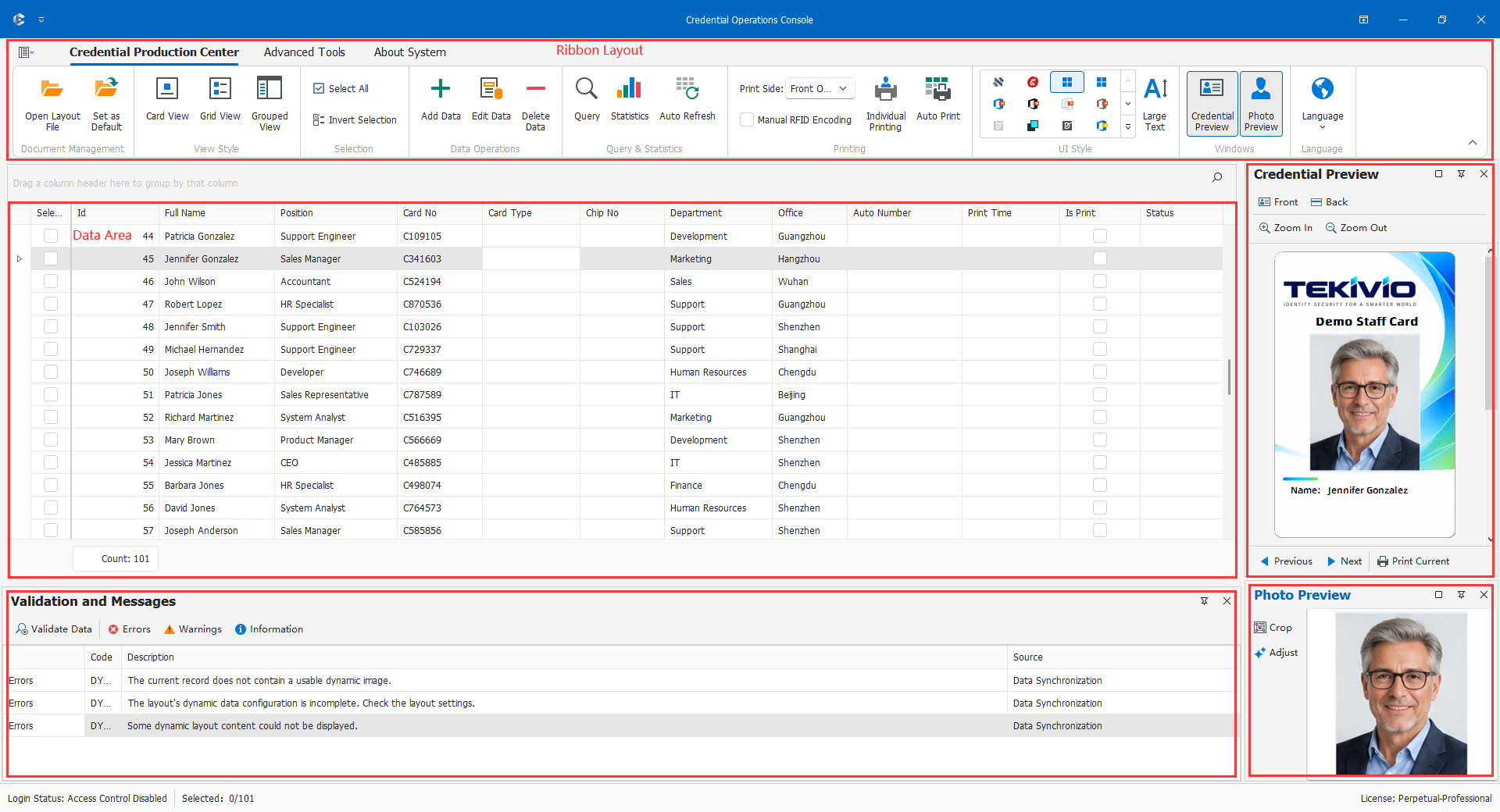
- Ribbon: layout, data, view, photo, print, and professional commands, subject to context and permissions.
- Data area: grid or card-form records. Clicking a row changes focus; checking its selection field determines some batch operations. These are not equivalent.
- Credential preview: the focused person's artwork and sides.
- Photo preview: the identified main portrait; it may be absent without a suitable dynamic image.
- Checks and messages: issue details and record locations, not just a count of warnings.
- Status: login, license, and selection information. Reconcile batch scope with the actual list rather than treating a count as approval.
Restore hidden preview panels with their display controls. Large Text changes interface readability, not printed font size. Return to CDPS for card composition changes.
5.1.3 Opening and Setting a Default Layout
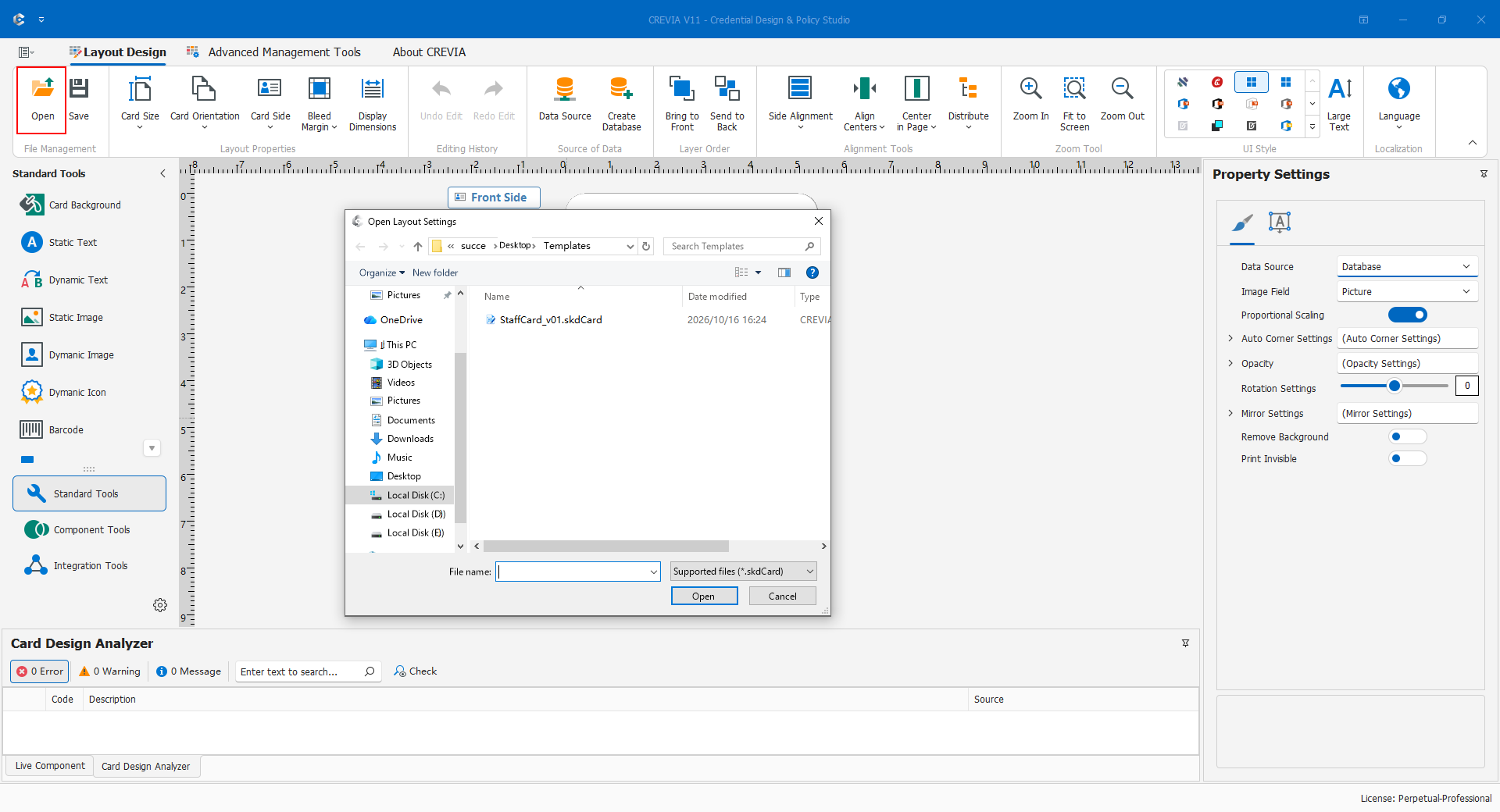
Open .skdCard or the approved .clcf. For a layout, follow its login policy and check records/photos; for synchronization, verify required licensing and connectivity and wait for retrieval. Test data scope, previews, reports, and one print under the target user. For file-based deployment, Set as Default and restart to verify the project.
Manually opening .skdCard and setting it as default disables that client's prior synchronization mode. Do not make a temporary test layout the default on a synchronized production workstation. File types are not interchangeable by renaming extensions.
Finish edits before switching layouts. A change may replace permissions, database, and fields, not merely artwork. Do not delete synchronization settings and experiment with unknown files after an update failure.